creativity / video / generative
The Studio
video work // visual experiments // ai-assisted production
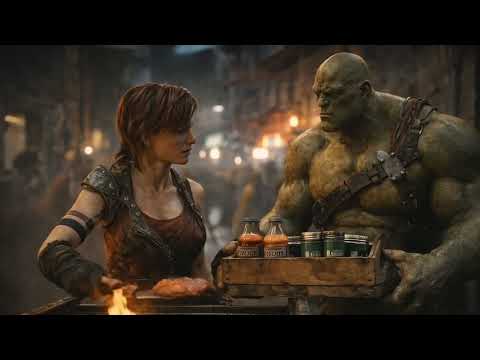
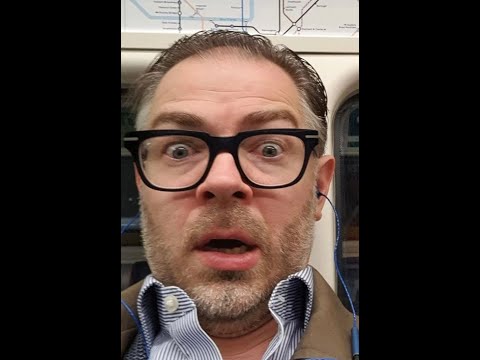
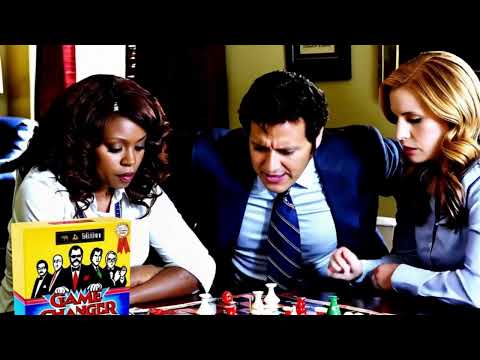
Short films, character studies, and AI-assisted satire. Choose a piece to watch on YouTube.



Videos open on YouTube, where playback speed and captions are available when supplied by the video. Check the player for runtime and caption options.